
Guide
Left 4 Dead 2 PC System Requirements Explained
Left 4 Dead 2's official PC requirements explained: the minimum Pentium 4 era spec, the recommended spec, 13 GB storage, and what they mean for a modern machine or a streaming host.
 By Gavin Mercer, Android Gaming Reviewer
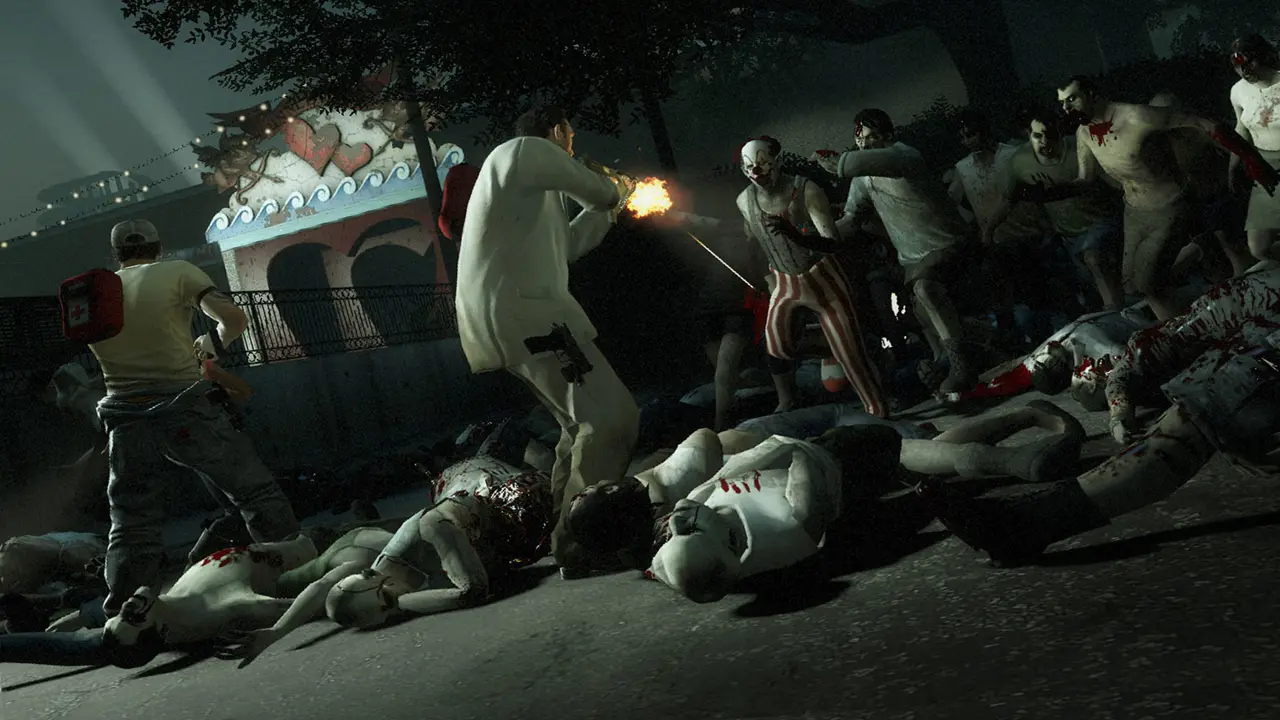
Left 4 Dead 2's official system requirements are a time capsule: a game whose minimum specification names a Pentium 4 will run on effectively any computer still in service today. That modesty matters for phone players too, because the PC that hosts a Remote Play stream does not need to be a gaming rig; it needs to be a machine from roughly the last decade and a half.
This guide lays out the official minimum and recommended figures exactly as the publisher lists them, then translates them into modern terms: what to check on an old laptop, how much storage to clear, and which requirement actually decides your streaming quality.
The Official Minimum Specification
The minimum listing asks for Windows 7 32 or 64-bit (with Vista and XP in the original text), a Pentium 4 at 3.0 GHz, 2 GB of RAM, a graphics card with 128 MB of memory supporting shader model 2.0, DirectX 9.0c and 13 GB of available storage. In modern terms, this describes a computer that was mid-range when the game launched. Keep going with the Workshop mods starter guide for the neighbouring piece of the picture.
The practical meaning: integrated graphics from any recent processor generation clear the bar the listing sets. If a machine can run a current web browser comfortably, it can almost certainly run this game, which is precisely why it makes such a forgiving streaming host. The Left 4 Dead 2 APK on the homepage collects the full game record in one place.
The Recommended Specification and Storage
The recommended listing steps up to an Intel Core 2 Duo at 2.4 GHz, 2 GB of RAM and a shader model 3.0 card of the GeForce 7600 or Radeon X1600 class, with the same 13 GB storage requirement. Mac and Linux listings sit in the same modest territory, asking for dual-core processors and era-typical graphics.
Storage is the one number worth planning around: 13 GB installed, plus room for Workshop campaigns if you collect them, which can grow the folder well past the base figure. On a streaming host that also holds your everyday files, clear space before a campaign weekend, not during it. Our the complete campaign guide covers the connected ground in the same spirit.
What Actually Decides Stream Quality
Once the game itself runs, and it will, your Remote Play quality is decided by the network, not the hardware: a wired PC connection, the phone on 5 GHz Wi-Fi, and a router that is not simultaneously serving a house full of streams. The game's light demands are a genuine feature here; the host PC spends its effort on encoding the stream rather than surviving the game.
One modern note: the Steam client itself now requires Windows 10 or later, per the current listing, even though the game's own text preserves the older operating systems. Keep the client current and the 2009 game will look after itself.
Checking an Old Machine in Five Minutes
If you are rescuing an old laptop as a streaming host, the checks order themselves. First, storage: confirm 13 GB free, plus headroom for updates and any Workshop campaigns. Second, the client: the current Steam client needs Windows 10 or later, so an old operating system can block you before the game's own modest demands ever get a vote.
Third, run the game once on the machine itself, at its native settings, before involving the phone. A PC that holds a campaign smoothly while you play it directly will stream comfortably; a PC that struggles locally will not be rescued by streaming, which adds encoding work on top of the game rather than replacing it.
Fourth, look at the router, because it is the real recommended specification for the phone route: a dual-band router, the PC wired if possible, and the phone in the same room for the first tests. Players blame graphics hardware for stream problems that were born in a hallway wall. Spend your suspicion on the network first and you will fix most issues in an evening.
- Storage: 13 GB available space
- Minimum CPU class: Pentium 4 3.0 GHz
- Recommended CPU class: Core 2 Duo 2.4 GHz
- RAM: 2 GB in both listings
- Client note: Steam now requires Windows 10 or later
- Streaming bottleneck: the home network, not the GPU
The Short Version
Left 4 Dead 2's official PC requirements explained: the minimum Pentium 4 era spec, the recommended spec, 13 GB storage, and what they mean for a modern machine or a streaming host. Everything above is the long version of that sentence, with the evidence, the steps and the exceptions a short answer has to leave out.
If you take one habit from this guide, make it this: keep the team in sight. Left 4 Dead 2 is built around four survivors covering each other, and almost every other lesson in the game grows out of that one.
Quick Answers
How much storage does Left 4 Dead 2 need?
The official requirements list 13 GB of available space on PC.
Can a laptop with integrated graphics run it?
Almost certainly yes. The official minimum describes 2009-era hardware; modern integrated graphics exceed it comfortably.
What are the minimum RAM requirements?
2 GB of RAM in both the minimum and recommended official listings.
Does Left 4 Dead 2 run on Mac and Linux?
Yes. Mac and Linux versions exist with their own modest official requirements listed alongside the Windows ones.